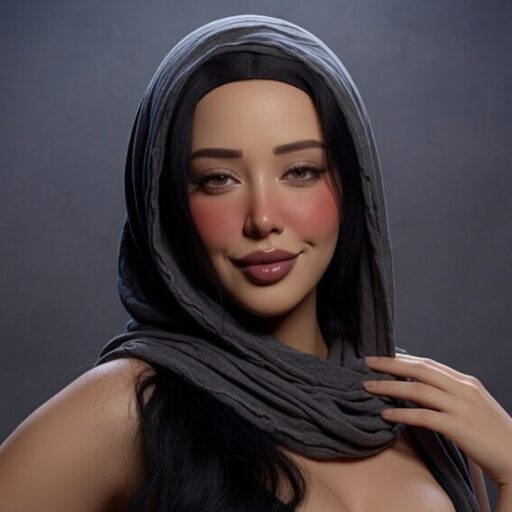
I’ve been getting tons of emails and DMs lately asking how I create my captions, so I decided to put everything in one place. The process to carete genderswap captions is a lot easier than most people think.
1. Creating the Template
I use Canva. It’s free, easy to use, and perfect for this kind of work.
Here’s how I set things up:
- Create a free Canva account
- From the homepage, select Video (or Design if you’re working with still photos)
- Drag and drop your videos or images into the project and adjust them until everything looks right
A size of 1400 × 1080 works really well for both horizontal and vertical formats, but feel free to experiment and find what fits your style best.
Once your media is in place, just add your text, play with fonts, colors, and effects until the caption feels right.
2. Getting the Videos
I use two main methods:
- Download full videos and then chop them down (this is how I make most of my recent posts)
- Go to RedGifs and download using a RedGifs Downloader
3. Getting the Photos
For still-image captions, I mostly pull high-quality pictures from:
Search for the look or scenario you have in mind, download the images, and drop them straight into Canva. From there you can crop, resize, and layer your text exactly the way you want.
That’s really all there is to it.
Whether you’re making classic x-change captions, intense bodyswap captions, or fun genderswap captions, the workflow stays the same. Once you get the hang of Canva + RedGifs, you can pump out high-quality caption posts pretty quickly.
Swing by the Discord channel and share them there!
If anything’s unclear, just drop a comment and I’ll do my best to reply.